
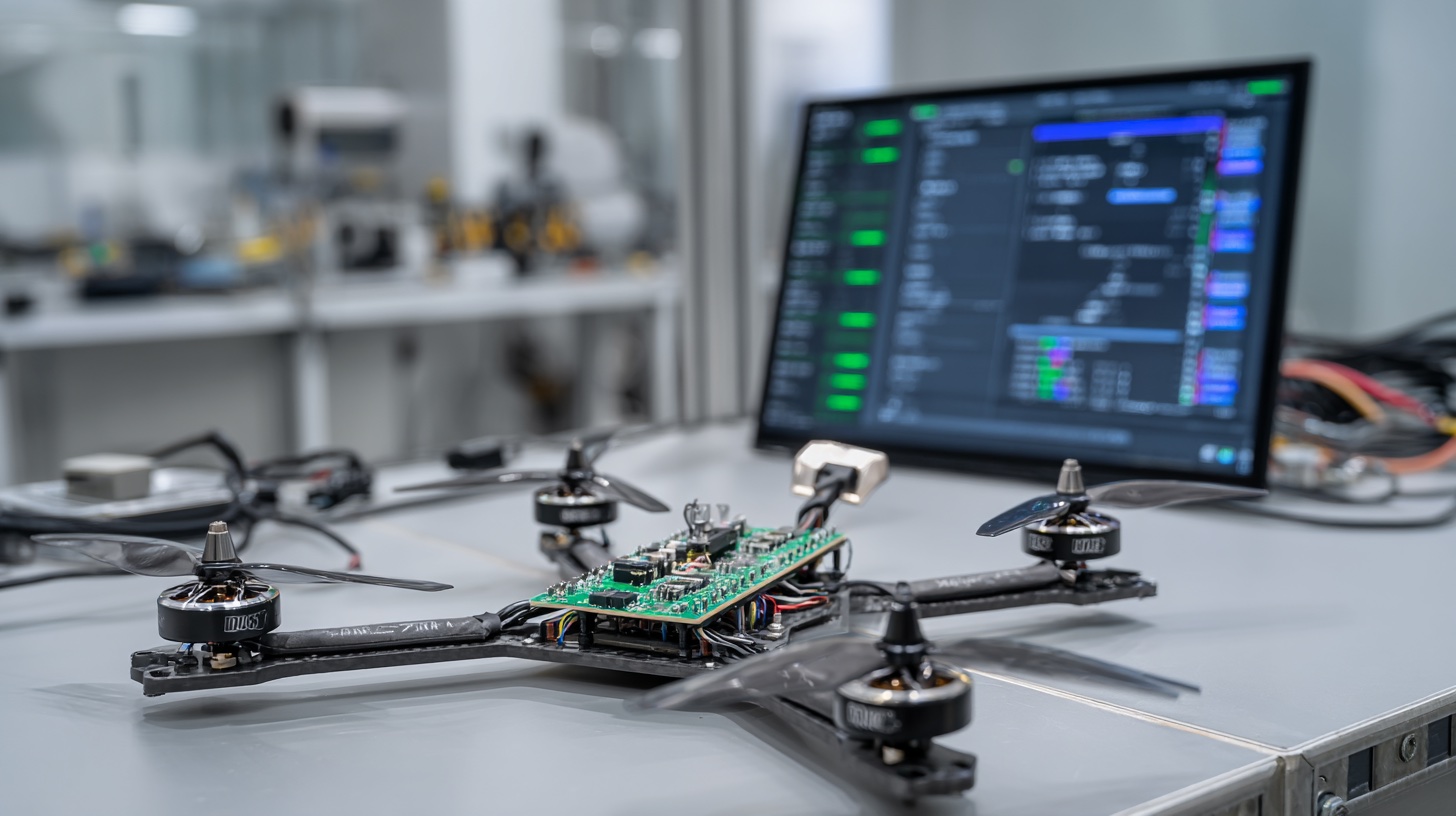
Understanding BLHeli ESC Configuration Basics
When you configure BLHeli ESCs, you’re essentially programming the electronic speed controllers that manage power delivery to your drone’s motors. BLHeli firmware offers extensive customization options that can dramatically improve flight performance, motor efficiency, and overall responsiveness. The configuration process involves connecting your ESCs to a computer through specialized software, allowing you to adjust timing, motor direction, startup power, and numerous other parameters that directly impact how your quadcopter behaves in flight. Modern BLHeli ESCs support both BLHeli_S and BLHeli_32 firmware variants, each offering different feature sets and capabilities for various motor types and flying styles.
The configuration process begins with identifying your ESC type and current firmware version. BLHeli_S ESCs typically handle motors up to 2400KV efficiently, while BLHeli_32 supports higher KV motors and offers advanced features like telemetry feedback and enhanced motor protection. Before attempting any configuration changes, you’ll need to determine whether your ESCs are currently running stock firmware or have been previously modified. This information affects which configuration software you’ll use and what parameters will be available for adjustment. Understanding these fundamentals prevents configuration errors that could damage your ESCs or create unsafe flight conditions.
Required Software and Hardware for BLHeli Configuration
To configure BLHeli ESCs effectively, you’ll need specific software tools and hardware connections. BLHeli Suite serves as the primary configuration software for BLHeli_S ESCs, while BLHeli_32 ESCs require the BLHeli_32 Suite. Both applications are free downloads that provide comprehensive access to ESC parameters, firmware updating capabilities, and motor testing functions. The software interfaces directly with your ESCs through various connection methods, including USB-to-serial adapters, flight controller passthrough, or dedicated ESC programming cards. Each connection method offers different advantages depending on your specific setup and technical comfort level.
Hardware requirements include a reliable USB cable, appropriate drivers for your connection method, and a stable power supply for your drone during configuration. When using flight controller passthrough, your FC firmware must support BLHeli passthrough functionality, which most modern flight controllers include by default. Programming cards offer the most direct connection method but require individual ESC connections, making them ideal for bench testing or single ESC configurations. USB-to-serial adapters provide versatility but require careful attention to voltage levels and pin assignments to avoid damaging sensitive electronics during the configuration process.
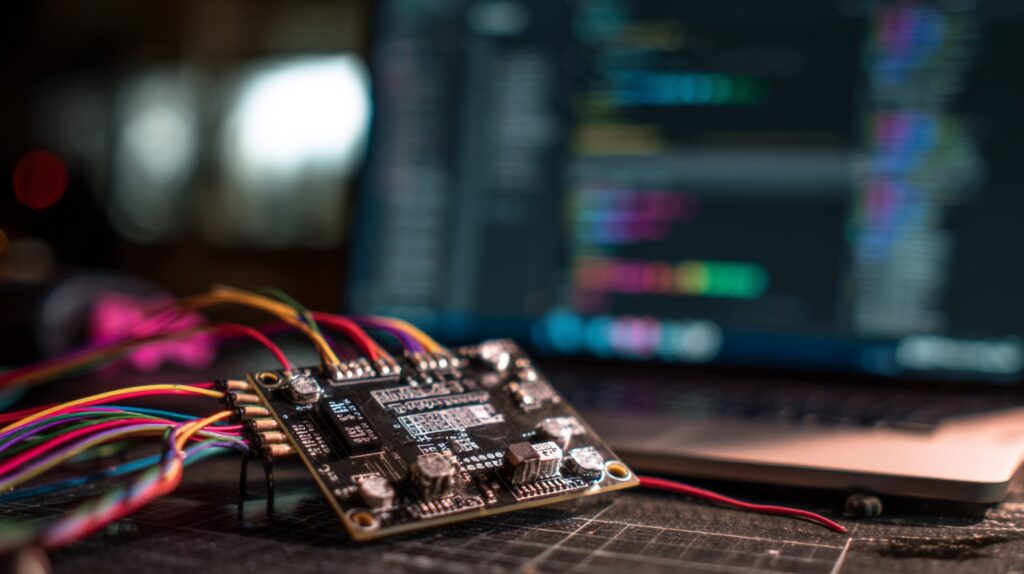
Professional BLHeli ESC configuration requires proper software setup and hardware connections
Setting Up BLHeli Suite Connection
Establishing a proper connection between BLHeli Suite and your ESCs requires careful attention to both hardware connections and software settings. When using flight controller passthrough, connect your drone to the computer via USB while ensuring the battery is disconnected initially. Launch BLHeli Suite and select the appropriate COM port that corresponds to your flight controller. The software will attempt to detect connected ESCs automatically, displaying each ESC’s current firmware version and basic information. If detection fails, verify your flight controller firmware supports passthrough and that all motor connections are secure. Some flight controllers require specific CLI commands to enable passthrough mode, so consult your FC documentation for proper activation procedures.
Essential BLHeli ESC Parameters and Settings
The core parameters you’ll configure when setting up BLHeli ESCs include motor direction, timing advance, startup power, and temperature protection settings. Motor direction configuration eliminates the need for physical wire swapping when motors spin in the wrong direction. Simply select the problematic ESC in BLHeli Suite and toggle the motor direction setting, then write the configuration to the ESC. Timing advance affects motor efficiency and heat generation, with higher values providing more power but increased temperature. Most setups work well with medium timing advance, but high-performance applications may benefit from high timing settings combined with adequate cooling solutions.
Startup power determines how aggressively motors begin spinning from a stopped position. Low startup power provides smoother operation and reduced stress on drivetrain components, while high startup power offers more responsive throttle input but may cause motor stuttering or increased wear. Temperature protection settings prevent ESC damage during extended high-power operation by reducing output when internal temperatures exceed safe limits. Demag compensation helps maintain smooth motor operation during rapid throttle changes by adjusting the drive waveform to account for back-EMF effects. These parameters work together to optimize performance while maintaining component longevity and flight safety.
Advanced Configuration Options
Advanced BLHeli configuration options include PWM frequency adjustment, brake settings, and beacon functionality that enhance specific flight characteristics. PWM frequency affects motor smoothness and ESC heat generation, with higher frequencies generally providing smoother operation at the cost of increased switching losses. Most modern setups benefit from 24kHz or 48kHz PWM frequencies, which offer good performance balance. Brake settings control how quickly motors decelerate when throttle is reduced, with stronger braking providing more aggressive stopping power but potentially causing oscillations during rapid maneuvers. Beacon mode enables ESCs to beep in sequence for easier drone location after crashes, though this feature consumes battery power and should be used judiciously during normal flight operations.
BLHeli_S vs BLHeli_32 Configuration Differences
Understanding the differences between BLHeli_S and BLHeli_32 firmware is crucial when you configure BLHeli ESCs, as each variant offers distinct features and configuration options. BLHeli_S represents the established standard for most FPV applications, supporting motors up to approximately 2400KV with reliable performance and extensive tuning options. The configuration interface provides access to essential parameters like timing, startup power, and motor direction, along with basic protection features. BLHeli_S excels in cost-effectiveness and broad compatibility, making it suitable for most recreational and competitive flying applications where advanced features aren’t necessary.
BLHeli_32 firmware offers significantly more advanced capabilities, including real-time telemetry feedback, higher PWM resolution, and support for higher KV motors. The configuration software provides additional parameters for fine-tuning motor control algorithms, advanced protection features, and compatibility with modern flight controller telemetry systems. BLHeli_32 ESCs can report individual motor RPM, current consumption, and temperature data back to the flight controller, enabling more sophisticated flight modes and monitoring capabilities. However, this increased functionality comes with higher cost and complexity, making BLHeli_32 most beneficial for advanced users who can utilize these enhanced features effectively.

Multiple connection methods available for BLHeli ESC configuration including programming cards
Firmware Updates and Version Management
Keeping your BLHeli ESC firmware updated ensures access to the latest performance improvements, bug fixes, and safety features. The firmware update process varies depending on your ESC type and connection method, but generally involves downloading the latest firmware files and using BLHeli Suite to flash them to your ESCs. Before updating, always note your current configuration settings, as firmware updates typically reset all parameters to default values. Create a backup of your current settings by saving the configuration file, which allows you to quickly restore your preferred setup after the update completes.
When updating firmware, maintain stable power to your ESCs throughout the process to prevent corruption that could render them inoperable. Use a quality USB cable and avoid interrupting the update process, even if it appears to stall temporarily. After successful firmware updates, verify that all ESCs are recognized properly and restore your saved configuration settings. Test motor operation at low throttle levels before installing propellers to confirm everything functions correctly. Some firmware versions may introduce new parameters or change existing ones, so review the release notes to understand any configuration changes that might affect your specific setup.
Troubleshooting Configuration Issues
Common configuration problems include ESC detection failures, parameter write errors, and motor operation issues after configuration changes. If BLHeli Suite cannot detect your ESCs, verify all physical connections and ensure your flight controller supports passthrough mode. Some older flight controllers require specific firmware versions or CLI commands to enable ESC passthrough functionality. Check that your USB drivers are properly installed and that no other applications are using the COM port. Power cycling your drone and restarting BLHeli Suite often resolves temporary communication issues that prevent proper ESC detection.
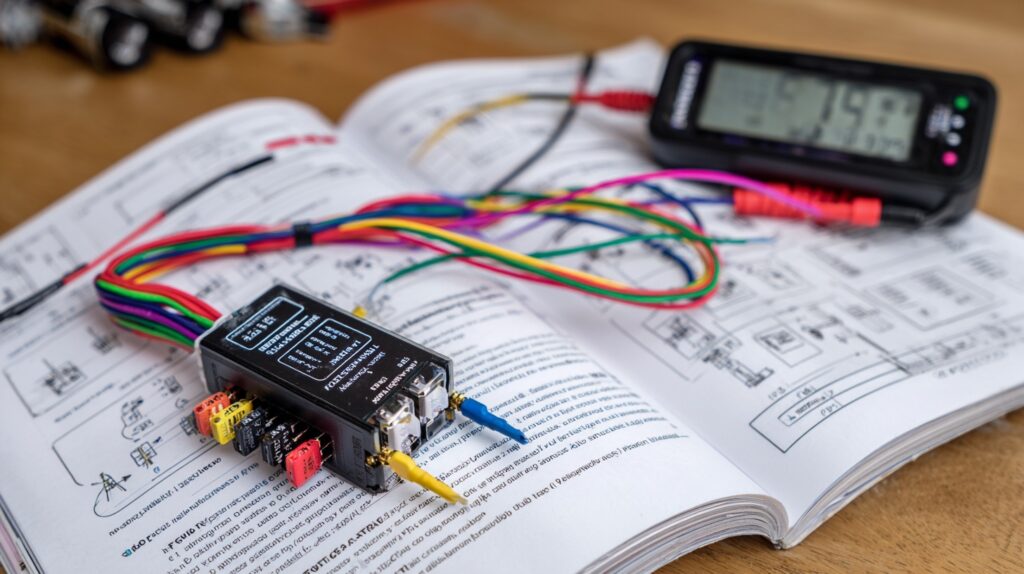
USB-to-serial adapters provide direct access to BLHeli ESC configuration pins
Frequently Asked Questions
How do I configure BLHeli ESCs?
Connect your ESCs to a computer using BLHeli Suite software through flight controller passthrough or programming cards. Select the appropriate COM port, detect your ESCs, adjust parameters like motor direction and timing, then write the configuration to each ESC.
What is BLHeli_S vs BLHeli_32?
BLHeli_S is the standard firmware for most FPV ESCs, supporting motors up to 2400KV with basic configuration options. BLHeli_32 offers advanced features like telemetry feedback, higher PWM resolution, and support for higher KV motors, but at increased cost and complexity.
How do I update ESC firmware with BLHeli Suite?
Download the latest firmware files, connect your ESCs through BLHeli Suite, backup your current settings, select the new firmware version, and flash it to your ESCs. Always maintain stable power during updates and restore your configuration afterward.
Need Help Optimizing Your FPV Setup?
Configuring BLHeli ESCs can be complex, especially when dealing with advanced parameters and firmware updates. Our experienced team can help you optimize your drone’s performance through proper ESC configuration, motor tuning, and complete system integration. Contact us today for professional FPV setup assistance that gets your quad flying at its absolute best.